
Plan
Give each page a clear responsibility.
- Business goals and visitor needs
- Sitemaps and content outlines
- Enquiry journeys and calls to action
Move Digital Marketing Institute · Ahmedabad
Turn a business brief into a website people can use.
Plan, design and build with WordPress in Ahmedabad. Connect clear content, responsive layouts and a useful enquiry journey, then learn how to review and maintain the result.
Practical learning. A confident next step.
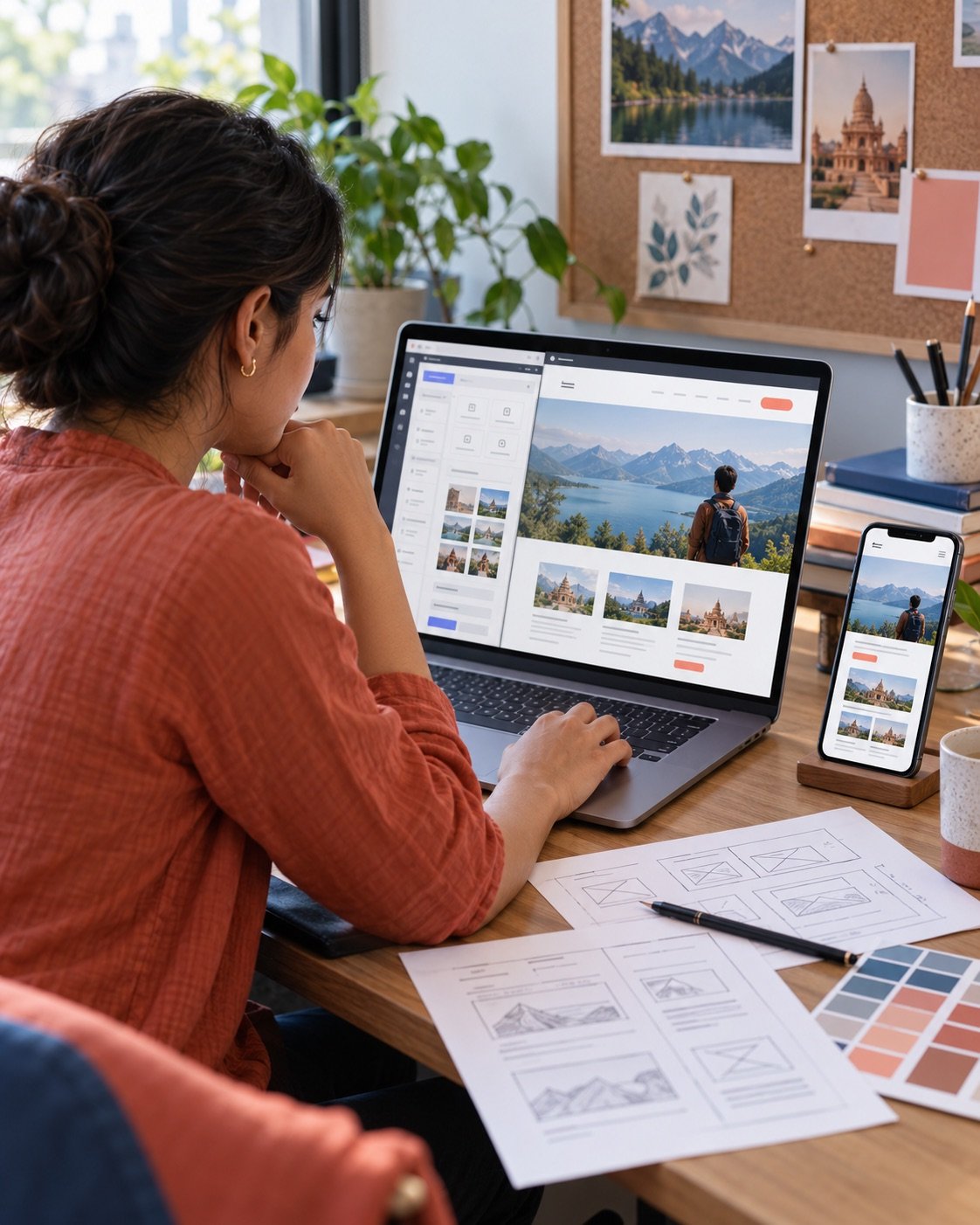
A business website has a job to do. It might help someone compare services, understand an offer or send an enquiry. Start by making that purpose clear, then decide what information and actions each page needs.
This WordPress pathway brings planning and practical building together. Work through a sitemap, page structure, reusable design elements and responsive layouts. Learn how WordPress pages, themes and plugins support the experience you want to create.
A polished layout also needs careful checks. Review links, forms, image sizes and small-screen behaviour, then prepare a sensible handover. The aim is to build a website you can explain, update and improve with confidence.
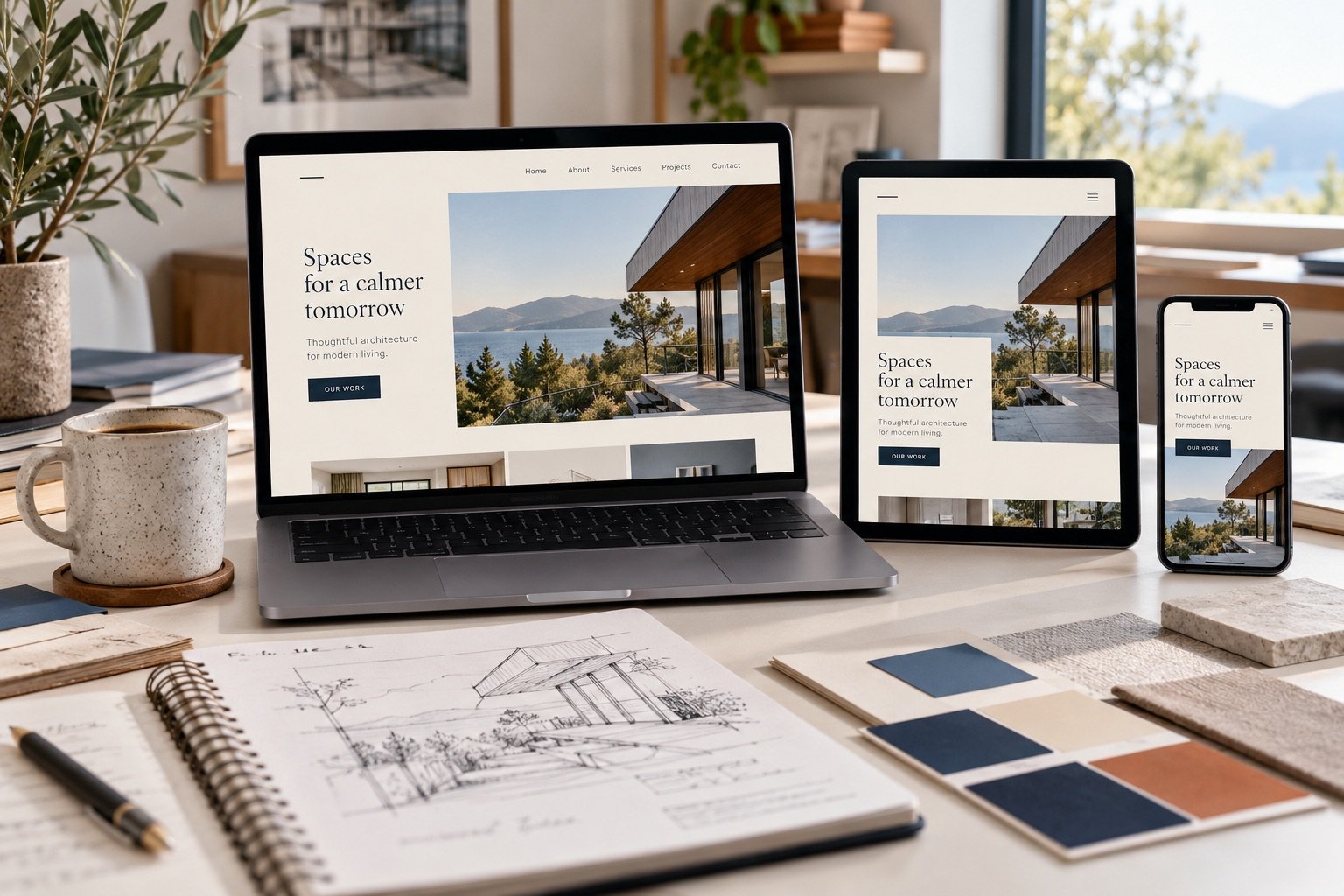
Give each page a clear responsibility.
Turn the plan into consistent pages.
Check the details visitors depend on.
Prepare for the work after launch.
Practise turning a brief into a working site. Build evidence of your planning and design decisions, alongside the finished pages.
Add website building to the services you already understand. Connect campaign goals with clear landing pages and a practical client handover.
Understand what your website needs and how to maintain its content. Make clearer decisions when working with a designer or managing changes yourself.
Follow one connected website-building workflow: plan the pages, build consistent layouts, test important journeys and prepare the site for ongoing care.
Discuss the curriculum ↗Work from a sample service-business brief. Develop the site in manageable stages so every design or technical choice has a clear reason.
A practice idea Build a small service-business website and test the journey from its homepage to a completed sample enquiry.
Choose tools around the website you need to build. Discuss the page builder, hosting setup and testing tools used in your batch.
Confirm the tools used in your batch and any account or subscription requirements with MDMI.
These practice examples connect visual design with the everyday work of running a website. Ask MDMI which assignments are included in the current batch.
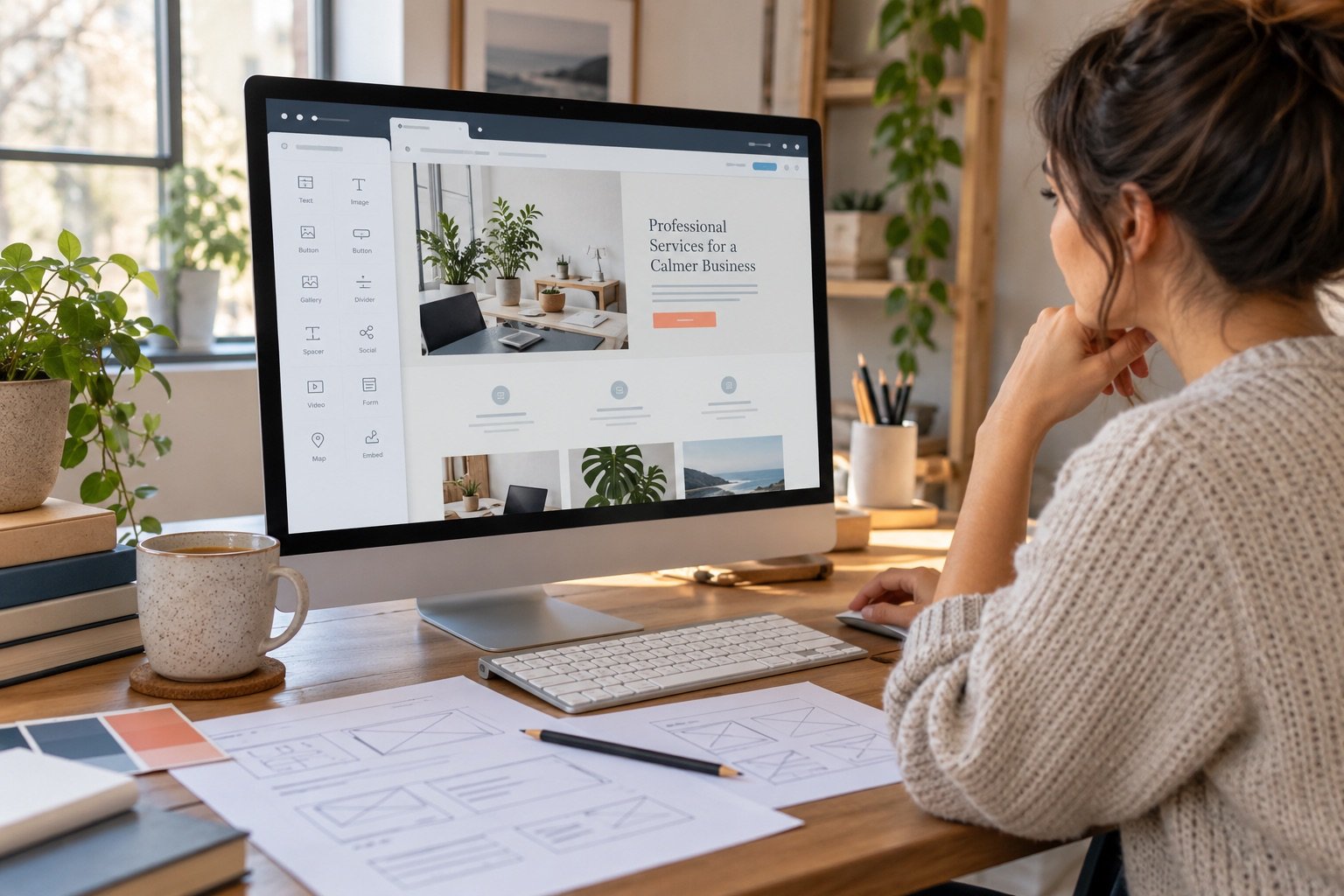
Take a sample service business from a sitemap to a responsive set of pages. Explain how the structure helps a visitor find what matters.
What to show A sitemap, working pages and a short design rationale.
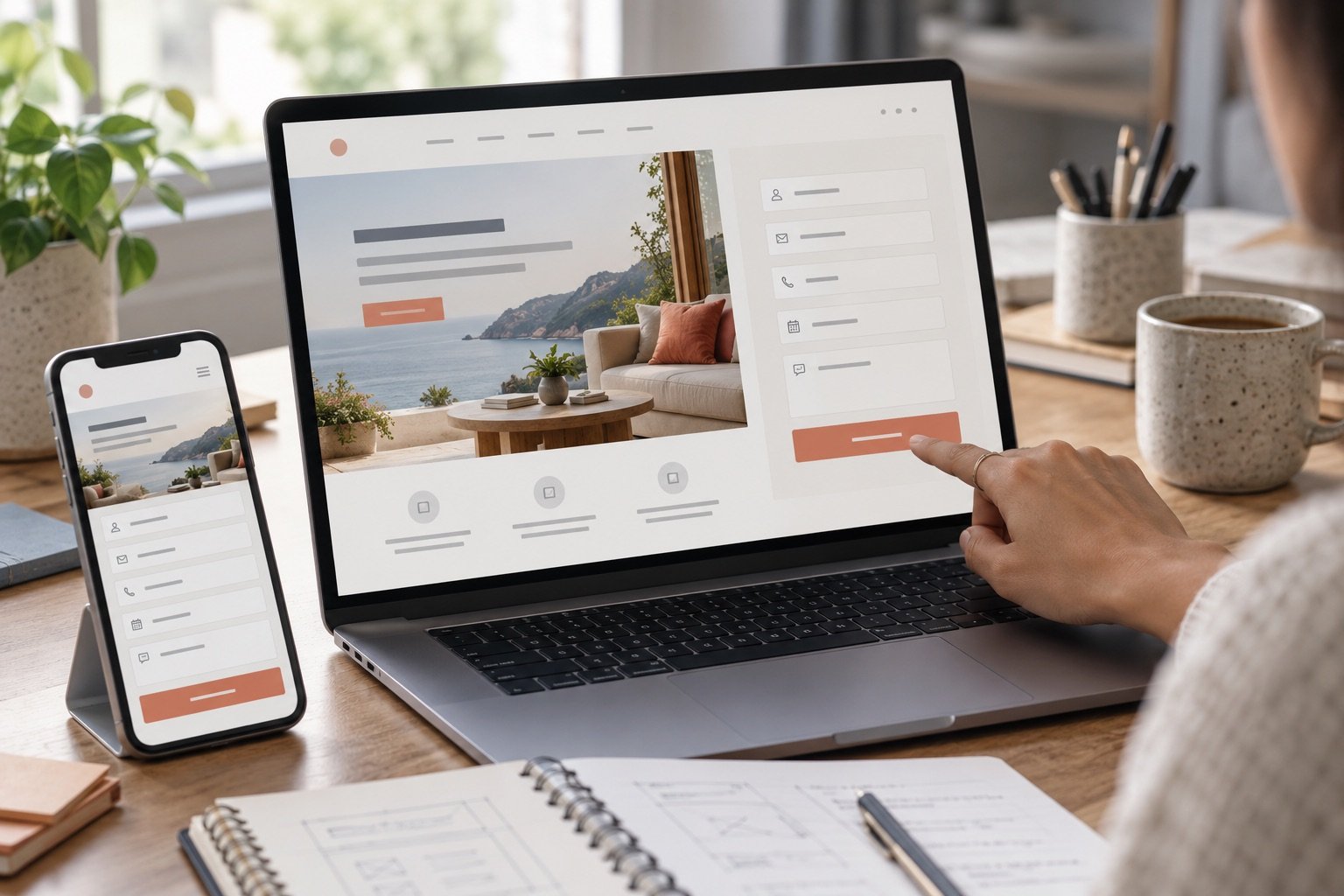
Build a campaign landing page with a useful form. Check required fields, error messages and the route an enquiry follows after submission.
What to show A landing page and a documented form test.

Review the completed site and describe how another person should edit it. Record launch checks and routine maintenance responsibilities.
What to show A review checklist and a simple editing guide.

Give every task a purpose, make space for questions and keep a record of what you learn.
Agree what the website needs to help a visitor do.
Start with structure, then develop content and responsive layouts.
Follow important routes and record issues before making changes.
Document editing steps and the responsibilities that continue after launch.
Website skills can support several kinds of work. These are directions to explore alongside your experience and portfolio, rather than a list of confirmed course placements.
Plan and build business pages, balancing useful content with a consistent visual layout and responsive behaviour.
Keep business pages current, organise images and copy, and check that important links and enquiry routes remain usable.
Translate a campaign brief into a focused page with a clear offer, suitable form and measurable next action.
Scope smaller website projects, explain decisions to clients and prepare a handover with clear boundaries for ongoing maintenance.
Discuss the experience, additional skills and career guidance relevant to your chosen direction with MDMI.

Founder, MDMI · SEO mentor
Rahul Barot brings over eight years of experience in SEO teaching and consulting, with more than 100 SEO clients worldwide. At MDMI, his practical teaching approach helps learners understand the work and build confidence in their skills.
Bring your questions, your first attempts and the parts that do not yet make sense. The aim is to understand your decisions and become more confident applying what you learn.
Meet MDMI ↗Choose a course with a clear understanding of the learning, the commitment and your next step.
The learning path centres on practical WordPress website building. Share your experience with MDMI to discuss the entry level and where HTML or CSS may support your work.
It follows the website beyond an individual page, including responsive design, forms, review and maintenance. Ask the team how the current batch matches your existing experience.
Discuss the page builder and tools used in your batch with MDMI. A website can use free tools where they meet the brief; particular plugins or licences are not promised here.
Confirm any domain, hosting, plugin or licence costs before enrolling. A local practice website can help you develop a build before arranging a public launch.
Bring the goal and current website to the course discussion. Agree the scope and use a suitable backup or development copy before making changes to a live site.
This page focuses on business websites and enquiry journeys. Discuss store requirements separately; MDMI also offers Performance Marketing + Ecommerce Marketing & Shopify Optimization.
Contact MDMI for the current fee, duration, class format and practice commitment. Share your schedule so the team can help you assess the fit.
Use the form below or call +91 98984 44098. Tell the team about your website experience and the kind of site you want to build.
Tell us about your current experience and the website you want to create. Ask about the learning path, tools and current batch.
Connect your website skills with search visibility, campaign planning or practical AI workflows.
Learn how people search—and make websites easier to discover and use.
Know more ↗Growth courseConnect the ad, the store and the numbers behind each campaign.
Know more ↗AI foundationsBuild confidence with AI through useful, everyday projects.
Know more ↗